
Crypto Wallet & Blockchain Mockup Tools for Web3 Content
A practical guide to crypto wallet, blockchain explorer, airdrop, and trading mockup tools for creators, educators, and Web3 teams.
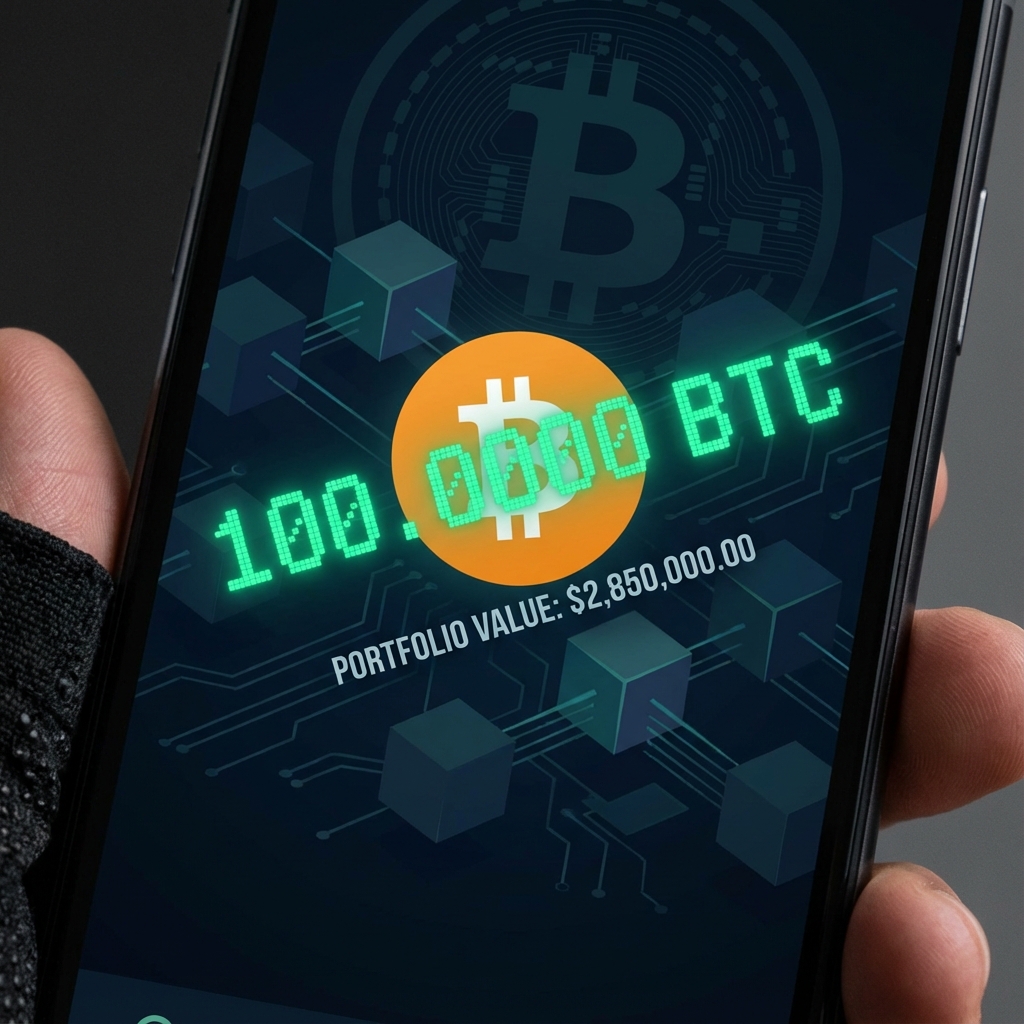
Overview
Short answer
Which crypto mockup tool should I open first?
Open a wallet tool for balance or portfolio examples, an explorer tool for transaction receipts, an airdrop tool for eligibility screens, a swap tool for DeFi flows, and a futures tool for trading recaps.
Good to know
- Wallet screens are best for onboarding, portfolio examples, and tutorial visuals.
- Explorer and airdrop screens add context when a workflow needs receipts or eligibility states.
- Trading and swap screens work best when framed as examples, lessons, or fictional recaps.
Why Web3 teams use mockups
Crypto and blockchain screenshots sit at the intersection of product marketing, community education, on-chain commentary, and creator content. Teams need wallet views for onboarding decks, creators need trading-style visuals for thumbnails, and educators need explorer-style pages to explain what a transaction looks like without exposing real balances or live addresses.
The safest pattern is to make the visual clearly educational or fictional. Replace sensitive data, keep labels contextual, and avoid presenting a generated screen as a live account record.
The best Web3 mockup coverage on MockScreen right now
Wallet mockups
Best for portfolio screenshots, onboarding, mobile wallet flows, and exchange-style balance views.
On-chain receipts and ecosystem screens
Best for transaction recaps, eligibility explainers, launch campaigns, and community education.
DeFi and trading visuals
Best for swap tutorials, market commentary, trading recaps, and strategy-style content.
How to map the job to the right tool
If you need a balance or portfolio view, wallet pages are the best fit. If you need transaction context, explorer screenshots and airdrop claim pages usually communicate the state better. If you are explaining trading or swapping, DeFi and futures-style interfaces create the clearest visual alignment.
- Wallet intent: Binance, MetaMask, Coinbase, Trust Wallet, hardware wallet screenshots
- Blockchain intent: transaction detail pages, gas fields, status badges, airdrop eligibility screens
- DeFi and trading intent: swap cards, token routes, ROI and PnL screenshots
Screens to plan next
The next layer of coverage should broaden into the interfaces that dominate current Web3 creator workflows. That includes Solana wallet experiences, on-chain trading dashboards, token research pages, and multichain wallet products.
- Phantom wallet mockup for Solana-heavy onboarding flows
- Solflare wallet mockup for staking and Solana portfolio education
- DexScreener-style chart and token page screenshots for meme-coin research content
- Hyperliquid PnL and position screenshots for on-chain trading creators
- OKX Web3 wallet or portfolio tracker views for broader multichain coverage
Responsible Web3 mockups
Use Web3 mockups to teach, plan, storyboard, or present a concept. Do not use generated wallet, explorer, or trading screenshots as proof of funds, proof of ownership, tax records, investment results, or live transaction evidence.
Recommended next click
Visit the Crypto & Blockchain Tools hub to jump between wallet, on-chain, and trading mockups without starting from scratch.
Related reading
MockScreen researches mockup UX patterns, search intent, responsible-use policies, and creator workflows across social, messaging, trading, and Web3 tools.
The team reviews mobile layouts, export flows, metadata, structured data, and internal-link architecture before major content and tool updates go live.