
Fake Crypto Wallet Balance Generator: Complete Guide to Realistic Cryptocurrency Mockups in 2026
Everything you need to know about generating fake Bitcoin, Ethereum, and altcoin wallet screenshots for presentations, educational content, and creative projects.
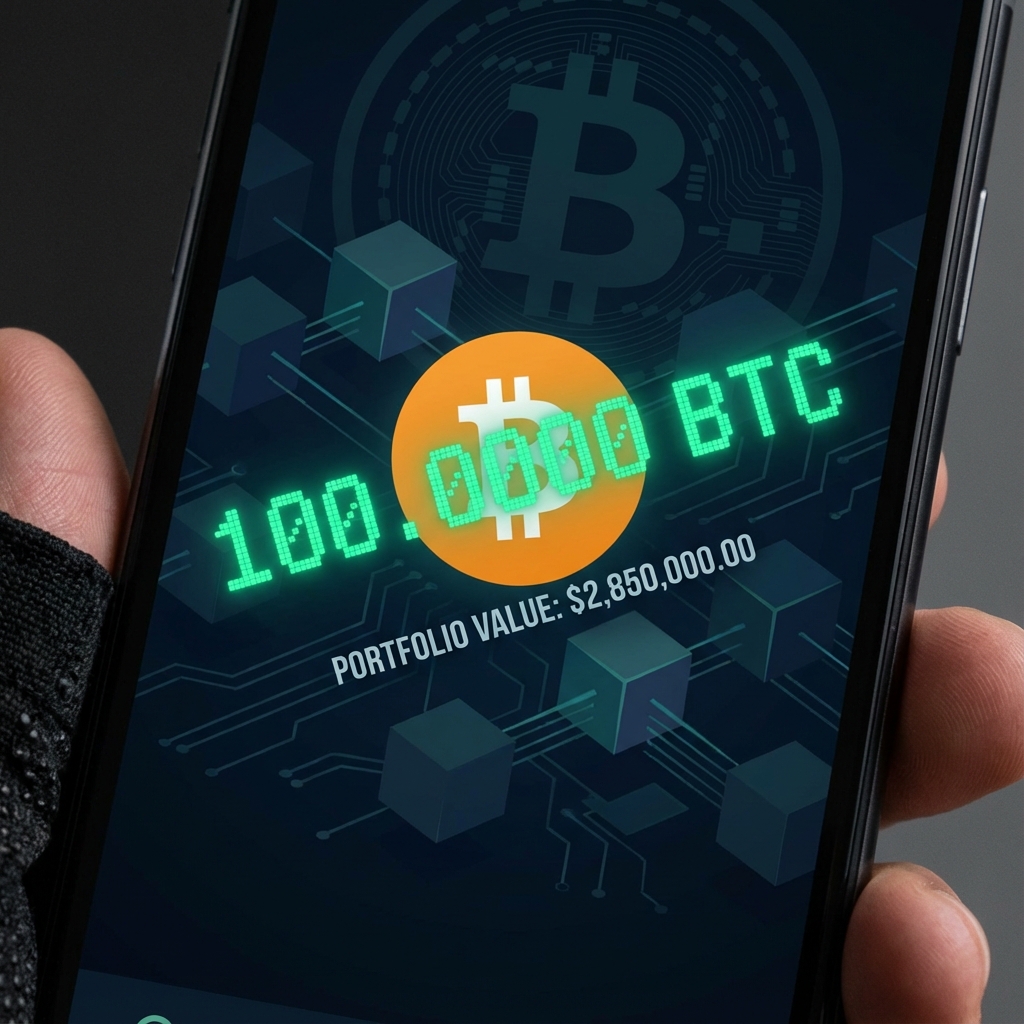
The Rise of Crypto Wallet Mockup Generators
As cryptocurrency becomes increasingly mainstream in 2026, the need for professional crypto-related visual content has exploded. Content creators, educators, marketers, and presenters all need ways to showcase cryptocurrency concepts without exposing real wallet addresses or balances.
Fake crypto wallet balance generators have emerged as essential tools in this space. These platforms let you create pixel-perfect replicas of popular cryptocurrency wallets—including Binance, MetaMask, Coinbase, Trust Wallet, and hardware wallet interfaces—with custom balances, transactions, and portfolio values.
In this comprehensive guide, we'll explore everything you need to know about these tools: what they are, why they matter, how to use them effectively, and the important ethical considerations to keep in mind.
What is a Fake Crypto Wallet Generator?
A fake crypto wallet balance generator is a web-based tool that creates realistic screenshots resembling popular cryptocurrency wallet applications. Unlike real wallets, these mockups aren't connected to any blockchain—they're purely visual representations that you can customize with any balance, coin holdings, or transaction history you need.
Typical Features Include:
- • Custom balances — Set any USD/BTC/ETH amount you need
- • Multiple cryptocurrencies — Bitcoin, Ethereum, Solana, BNB, and altcoins
- • Wallet interface replication — Binance, MetaMask, Coinbase, Trust Wallet UIs
- • Price change indicators — Show profit/loss percentages
- • Transaction history — Add fake sends, receives, and swaps
- • High-resolution export — Download clean screenshots
Legitimate Use Cases for Crypto Wallet Mockups
While the term "fake" might raise eyebrows, there are many completely legitimate reasons why professionals create cryptocurrency wallet mockups:
📊 Investor Pitch Decks
Crypto startups and funds often need to demonstrate wallet interfaces in pitch presentations. Using mockups protects real treasury addresses while showing investors what the product looks like. No one wants to accidentally reveal their company's wallet address in a public presentation.
🎓 Educational Content
Crypto educators, course creators, and tutorial makers need to show wallet screens without using their actual funds. Mockups let teachers demonstrate how to check balances, make transfers, and navigate wallet apps safely.
🎬 YouTube Thumbnails & Content
Crypto YouTubers frequently use wallet screenshots in thumbnails and videos. Showing a dramatic "$1M Portfolio" screenshot is far more engaging than explaining numbers verbally. Mockups create these visuals safely.
🎨 UI/UX Design & Prototyping
Designers building crypto apps often need to showcase realistic wallet interfaces in their portfolios or present concepts to clients. Mockups provide the visual assets needed without developing actual blockchain integration.
📰 News & Media
Journalists and media outlets covering cryptocurrency stories often need visual representations of wallet interfaces. Mockups help illustrate articles about crypto trends, scams to avoid, or market movements.
🎭 Entertainment & Memes
The crypto community loves memes. "When you check your portfolio after buying the dip" screenshots are a staple of crypto Twitter. Mockups make creating this content easy and funny.
Popular Wallet Interfaces You Can Mockup
The best crypto wallet mockup generators support multiple wallet interfaces. Here are the most popular ones in 2026:
🟡 Binance Wallet
The world's largest exchange. Mockups include spot wallet, futures balance, and portfolio overview screens.
🦊 MetaMask
The leading Ethereum wallet. Generate mockups with custom ETH and token balances, network selection, and NFT displays.
💙 Coinbase
America's most trusted exchange. Create portfolio screens, individual asset views, and transaction history.
🛡️ Trust Wallet
Popular mobile wallet. Mockup multi-chain portfolios with BNB, ETH, Bitcoin, and altcoins.
💚 Robinhood Crypto
Popular with retail investors. Generate clean portfolio screens with chart displays.
🔐 Hardware Wallets
Ledger and Trezor interface mockups for security-focused content.
Step-by-Step: Creating a Fake Crypto Wallet Screenshot
Here's how to create a professional cryptocurrency wallet mockup in just a few minutes:
Choose Your Wallet Type
Select which wallet interface you want to replicate—Binance spot wallet, MetaMask portfolio, Coinbase dashboard, etc. Each has a distinct layout and style.
Set Your Total Balance
Enter the total portfolio value you want to display. This appears prominently at the top of most wallet screens. Choose an amount that fits your narrative.
Add Individual Coins
Select which cryptocurrencies to show and set their quantities. Bitcoin, Ethereum, and Solana are common choices. Add the coins that fit your content's context.
Configure Profit/Loss Display
Set the percentage change (24h, 7d, or all-time) to show gains or losses. Green for profit, red for loss. This adds visual interest to your mockup.
Preview and Export
Review your mockup to ensure everything looks realistic. Download as a high-resolution PNG ready for your presentation, video, or social media.
Tips for Creating Realistic Crypto Mockups
💡 Pro Tips for Maximum Realism
- • Use realistic amounts — $10 million Bitcoin holdings look suspicious for educational content
- • Match current prices — If BTC is at $95,000, your holdings should reflect that math
- • Include multiple coins — Real portfolios are diversified, not just one token
- • Show realistic P&L — ±5-20% changes look more authentic than ±500%
- • Use current UI — Wallet apps update frequently; use tools that keep up
⚠️ Critical: Legal and Ethical Boundaries
While crypto wallet mockups are powerful tools, they come with serious responsibility. Misuse can lead to legal consequences and harm to others.
🚫 NEVER Use Fake Wallet Screenshots For:
- • Investment scams — Showing fake profits to lure investors is fraud
- • Pump and dump schemes — Faking holdings to manipulate markets is illegal
- • Romance/pig butchering scams — Faking wealth to deceive victims is criminal
- • Loan applications — Falsifying assets for credit is fraud
- • Tax evasion evidence — Fake screenshots as "proof" is illegal
- • Identity theft — Impersonating real crypto influencers
✅ Acceptable Uses Include:
- • Educational content and tutorials
- • Presentation mockups with clear labeling
- • Entertainment content and memes
- • UI/UX design portfolios
- • News illustrations (labeled as mockups)
- • Film and video production props
The key principle: if you're using a mockup to deceive someone for financial or personal gain, you're crossing the line. If it's for legitimate creative, educational, or entertainment purposes, you're on solid ground.
Try MockScreen's Free Crypto Wallet Generators
MockScreen offers a suite of cryptocurrency wallet mockup generators that are completely free to use. Create professional screenshots for Binance, MetaMask, Coinbase, and more with these features:
- ✓ Multiple wallet interfaces supported
- ✓ Custom balance and coin selection
- ✓ Profit/loss percentage display
- ✓ Current coin logos and accurate UI
- ✓ High-resolution exports without watermarks
- ✓ No account or signup required
Frequently Asked Questions
Is creating fake crypto wallet screenshots legal?▼
Yes, for legitimate purposes like education, design, and entertainment. However, using fake screenshots for fraud, scams, or to deceive others for financial gain is illegal in most jurisdictions.
Can I use these mockups in YouTube videos?▼
Absolutely! Many crypto YouTubers use wallet mockups for thumbnails and educational content. Just don't use them to make false claims about your own wealth or promote scams.
Are these connected to real blockchains?▼
No. These are purely visual mockups with no blockchain connection whatsoever. The balances and transactions you create exist only in the screenshot image.
Do I need to create an account?▼
No! MockScreen works entirely in your browser with no signup required. Just open the tool, create your mockup, and download.
What file formats are supported?▼
MockScreen exports high-resolution PNG files, which work perfectly for social media, presentations, print, and video editing software.
Related Articles
MockScreen researches mockup UX patterns, search intent, responsible-use policies, and creator workflows across social, messaging, trading, and Web3 tools.
The team reviews mobile layouts, export flows, metadata, structured data, and internal-link architecture before major content and tool updates go live.