
Fake LinkedIn Post Generator 2026: The Ultimate Guide to Creating Professional Business Mockups
Everything you need to know about creating fake LinkedIn posts for B2B presentations, corporate training, and professional content creation.
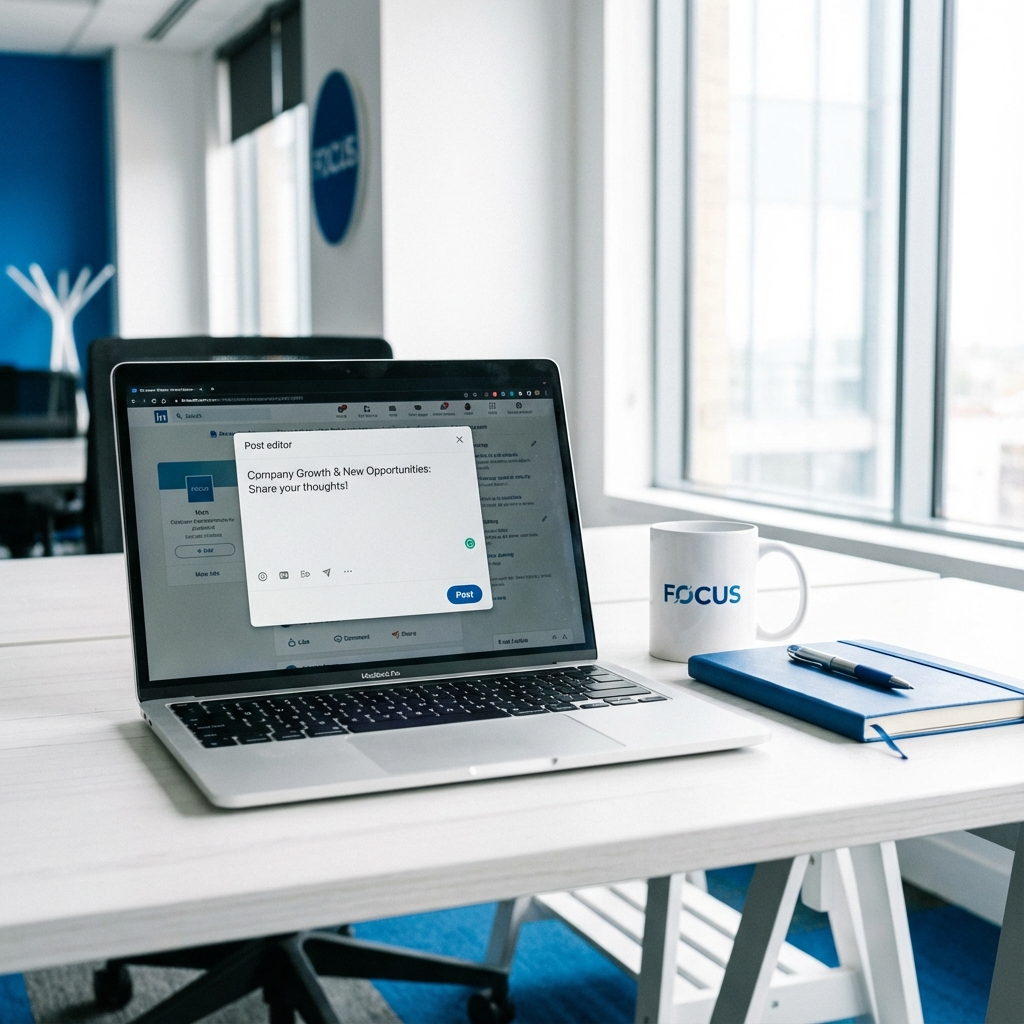
Why LinkedIn Mockups Are Essential for Business
LinkedIn has become the dominant platform for B2B marketing, professional networking, and thought leadership in 2026. With over 1 billion members worldwide, it's where business decisions are influenced and professional reputations are built.
For marketing professionals, trainers, and business consultants, the ability to create realistic LinkedIn post mockups is invaluable. Whether you're pitching a social media strategy, creating training materials, or demonstrating best practices, mockups help visualize concepts without exposing real accounts.
Unlike casual social platforms, LinkedIn has a distinct professional aesthetic—and your mockups need to match that polish to be credible.
Professional Use Cases for LinkedIn Mockups
📊 B2B Marketing Presentations
Marketing agencies pitching LinkedIn campaigns need to show clients what their company page posts, thought leadership content, and employee advocacy programs will look like. Mockups demonstrate strategy without revealing client data.
🎓 Corporate Training Programs
HR and L&D teams training employees on social selling, personal branding, or digital presence use mockups to show do's and don'ts. Examples feel more relevant when they look exactly like the real platform.
📚 Social Selling Courses
Sales enablement and LinkedIn training course creators need realistic post examples for lessons on engagement, content strategy, and profile optimization.
🎨 Content Strategy Documentation
Content teams documenting brand guidelines, content calendars, or editorial standards use mockups to illustrate approved post formats, tone examples, and visual guidelines.
💼 Executive Thought Leadership Planning
Ghostwriters and communications teams show executives exactly how their thought leadership posts will appear, getting buy-in before going live.
Key Features of LinkedIn Mockup Tools
- ✓Professional Layout:
LinkedIn's unique card-style posts with the three-bar headline format and "see more" truncation.
- ✓Reaction Types:
Like, Celebrate, Support, Love, Insightful, Funny—LinkedIn's unique professional reactions.
- ✓Professional Titles:
Display job titles and company names beneath the poster's name—essential for LinkedIn authenticity.
- ✓Connection Indicators:
1st, 2nd, 3rd connection badges and follower counts.
- ✓Document & Image Posts:
Support for image attachments and the carousel-style document posts popular on LinkedIn.
Creating Authentic LinkedIn Mockups
Set Professional Identity
Enter name, job title, company, and upload a professional headshot. This is crucial—LinkedIn users pay attention to credentials.
Craft Professional Content
Write your post content. LinkedIn favors personal stories, industry insights, and professional lessons. Format with line breaks for readability.
Set Realistic Engagement
Configure reactions, comments, and reposts. For regular professionals, 50-200 reactions is impressive. For influencers, 1,000+ is believable.
Export for Use
Download your mockup and insert it into presentations, documents, or training materials.
LinkedIn Mockup Best Practices
💡 Professional Tips
- • Use real-sounding job titles — "Senior Product Manager at Microsoft" vs. generic titles
- • Match LinkedIn's tone — Professional but increasingly personal and storytelling-focused
- • Appropriate hashtags — LinkedIn pros use 3-5 relevant hashtags, not 30
- • Realistic reaction mix — "Insightful" and "Celebrate" are common; "Funny" is rarer
- • Include context — "Posted in..." or connection indicators add authenticity
Ethical Considerations
⚠️ Professional Standards
- • Never impersonate real executives or industry leaders
- • Don't fabricate testimonials or endorsements
- • Label mockups clearly in professional settings
- • Use fictional personas for training examples when possible
Create LinkedIn Mockups with MockScreen
MockScreen offers a professional LinkedIn post mockup generator designed for business use:
- ✓ All LinkedIn reaction types
- ✓ Job title and company display
- ✓ Connection level indicators
- ✓ Professional formatting
- ✓ High-resolution exports without watermarks
- ✓ No account required
FAQs
Can I use LinkedIn mockups in corporate training?▼
Absolutely! This is one of the most common professional uses. Just ensure examples use fictional personas rather than impersonating real employees or executives.
Is this appropriate for client presentations?▼
Yes! Agencies commonly use mockups to show clients what their LinkedIn campaigns will look like before launch.
Related Articles
MockScreen researches mockup UX patterns, search intent, responsible-use policies, and creator workflows across social, messaging, trading, and Web3 tools.
The team reviews mobile layouts, export flows, metadata, structured data, and internal-link architecture before major content and tool updates go live.