
Discord Message Mockup Generator Guide for Streamers
Everything you need to know about creating realistic Discord chat mockups for streaming overlays, YouTube thumbnails, and social media content in 2026.
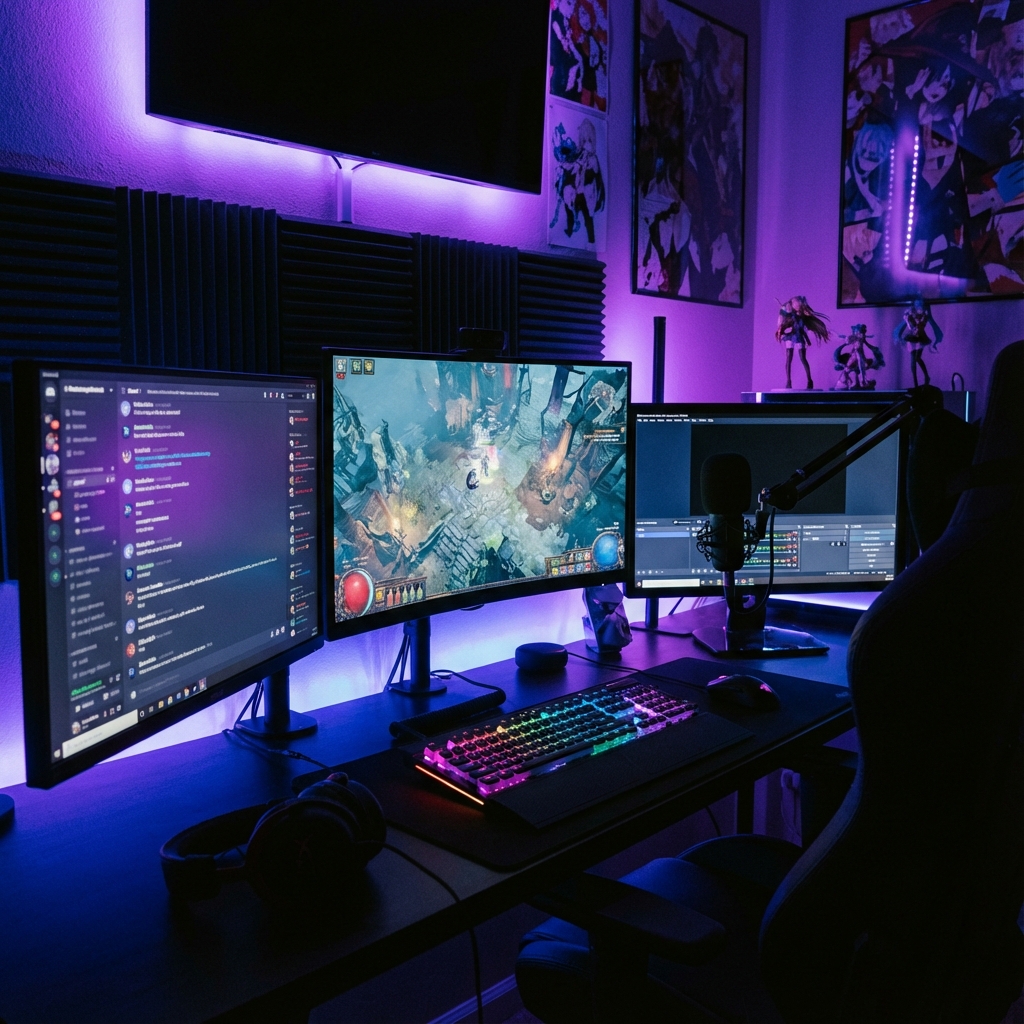
Why Streamers Love Discord Mockups
Discord has become the home base for gaming communities, streamers, and content creators worldwide. In 2026, having a Discord server isn't just optional—it's essential for building a loyal community around your brand.
But here's the challenge: showcasing Discord interactions in your content can be tricky. You might want to feature a community highlight, demonstrate server features, or create engaging thumbnails without revealing personal information or server details.
That's where Discord mockup generators come in. These tools let you create pixel-perfect Discord chat screenshots without actually posting in Discord. You control every aspect—usernames, avatars, message content, reactions, and more.
Popular Use Cases for Discord Mockups
🎮 Gaming Content & Highlights
Create "reaction" mockups showing your community's response to epic gaming moments. Perfect for YouTube intros, Twitch clips, and TikTok videos. Show fake chat reactions to clutch plays without needing actual Discord screenshots.
📺 YouTube Thumbnails
Discord chat thumbnails consistently perform well on YouTube. Create eye-catching thumbnails with dramatic conversations, announcements, or reactions that entice viewers to click.
🔴 Stream Overlays & Alerts
Design static Discord chat elements for your streaming overlays. Create mockups of sub notifications, raid alerts, or community messages that match your stream's aesthetic.
📖 Tutorial & Educational Content
Create Discord tutorials without exposing real user data. Perfect for teaching moderation, bot commands, or server setup. Control every element for clear, focused explanations.
😂 Memes & Parody Content
The internet loves Discord memes. Create hilarious fake conversations, admin vs. member interactions, or ridiculous mod logs for entertainment purposes.
Key Features to Look for in a Discord Mockup Tool
The best Discord mockup generators in 2026 offer these essential features:
🎨 Custom User Profiles
Upload custom avatars, set usernames with discriminators, and choose role colors.
💎 Nitro & Badges
Add Nitro badges, server booster icons, and other Discord-specific indicators.
😀 Reactions & Emoji
Include message reactions with custom or standard Discord emojis.
📎 Attachments & Embeds
Support for image attachments, link embeds, and rich content.
🌙 Dark Theme Match
Accurate Discord dark theme colors that match the real interface.
⬇️ High-Res Export
PNG export without watermarks at full resolution.
Step-by-Step: Creating a Discord Mockup
Here's how to create a professional Discord chat mockup in just a few minutes:
Set Up Your Channel
Enter the channel name (e.g., #general, #announcements, #gaming) and optionally set a channel description.
Add Your Messages
Create multiple messages with different users. Set usernames, avatar images, role colors, and message content. You can add as many messages as you need for your conversation.
Customize Details
Add timestamps, reactions, badges (like Nitro or Server Booster), and any other details that make your mockup look authentic.
Preview & Export
Check the live preview, make any final adjustments, then download your mockup as a high-resolution PNG ready for use in your content.
Tips for Creating Realistic Discord Mockups
💡 The Key to Authenticity
The most believable mockups are the ones with small imperfections. Real Discord conversations have typos, casual language, and natural flow. Don't make it too perfect!
- ✓Use Realistic Usernames:
Gaming-style usernames like "xXShadowMasterXx" or casual names like "Jake" are more believable than obvious placeholders.
- ✓Match Role Colors:
If showing a mod or admin, use appropriate role colors. Red for admins, blue for mods, green for VIPs—whatever fits your server's style.
- ✓Include Natural Reactions:
A few 👍, 😂, or ❤️ reactions make the conversation feel alive. Don't overdo it—1-3 reactions per important message is plenty.
- ✓Vary Message Lengths:
Real conversations have a mix of short replies ("lol", "nice") and longer messages. Avoid walls of text in every message.
- ✓Use Proper Timestamps:
Discord shows "Today at 3:45 PM" or "Yesterday at 9:12 AM". Match this format for authenticity.
Legal & Ethical Considerations
While Discord mockups are powerful tools, it's important to use them responsibly:
⚠️ Important Guidelines
- • Never impersonate real people in a misleading way
- • Don't create fake controversies or defamatory content
- • Label parody content clearly when sharing publicly
- • Respect intellectual property and trademark guidelines
Used ethically, Discord mockups are excellent tools for education, entertainment, and content creation. The goal is to enhance your content, not deceive your audience.
Try MockScreen's Free Discord Generator
MockScreen offers a powerful Discord message mockup generator that's completely free. With all the features streamers and content creators need—custom avatars, role colors, reactions, badges, and more—it's the go-to tool for creating professional Discord mockups.
No account required. No watermarks. Export in high resolution. Start creating your Discord mockups today!
Create Discord Mockup Free →Frequently Asked Questions
Is it legal to create fake Discord messages?▼
Yes, creating mockups for educational, entertainment, or design purposes is legal. However, using them to deceive, defame, or impersonate others could have legal consequences. Always use responsibly.
Can I use Discord mockups in monetized content?▼
Yes! Mockups created with MockScreen can be used in YouTube videos, streams, and other monetized content. There are no licensing restrictions on your exported images.
Do I need a Discord account to use the mockup tool?▼
No! MockScreen works entirely in your browser with no login required. You don't need a Discord account to create mockups.
Related Articles
MockScreen researches mockup UX patterns, search intent, responsible-use policies, and creator workflows across social, messaging, trading, and Web3 tools.
The team reviews mobile layouts, export flows, metadata, structured data, and internal-link architecture before major content and tool updates go live.