
Best Free Online Mockup Generators for Content Creators in 2026: Complete Guide
A comprehensive comparison of the best free mockup tools available—no signup required, no watermarks, and perfect for YouTubers, marketers, and content creators.
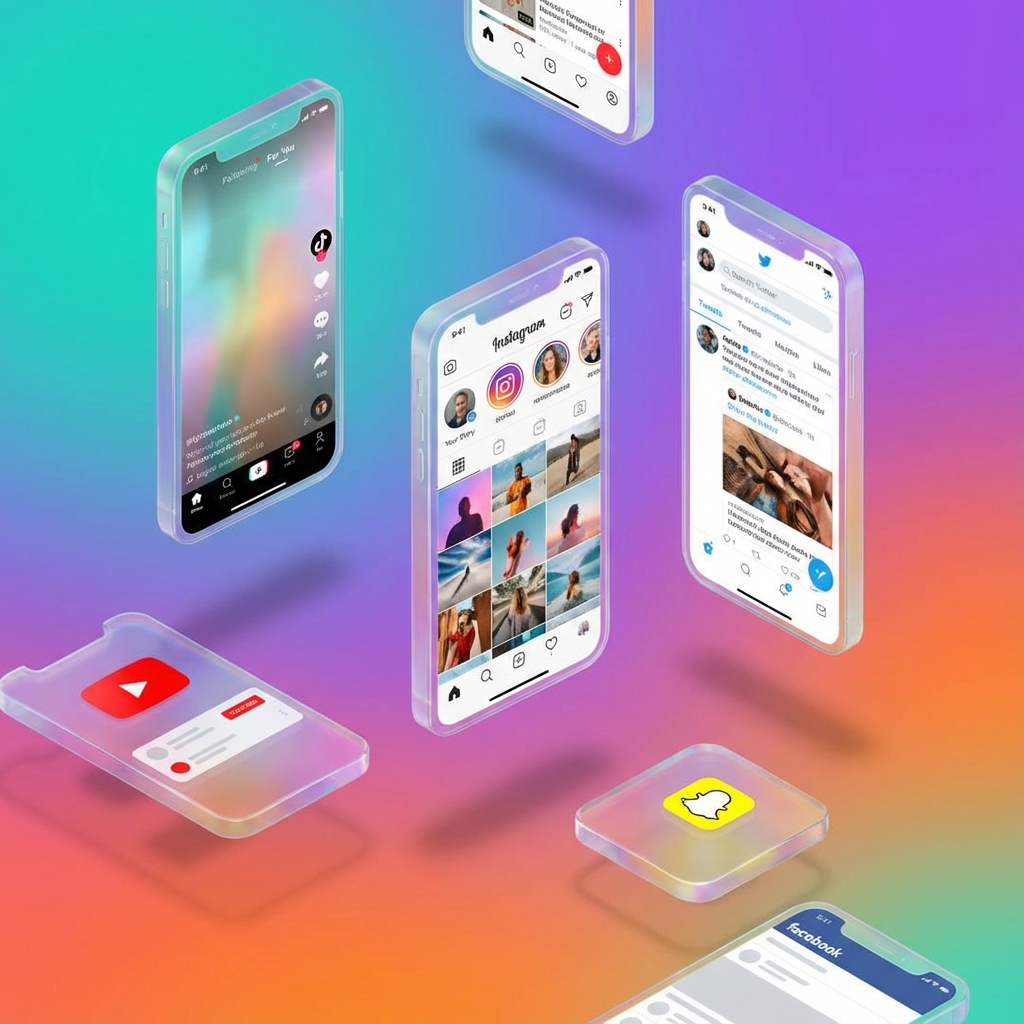
Why Content Creators Need Mockup Generators
In 2026, visual content is king. Whether you're creating YouTube thumbnails, Instagram stories, TikTok content, or presentation slides, you need professional-looking graphics that grab attention. But not everyone has design skills or expensive software.
That's where free online mockup generators come in. These tools let you create realistic social media screenshots, device mockups, and branded content without any design experience—and often without even creating an account.
This guide reviews the best free mockup generators available in 2026, covering what they do well, their limitations, and which ones are best for different use cases.
What Makes a Good Free Mockup Generator?
Before diving into specific tools, here's what to look for in a quality free mockup generator:
- ✓No Account Required:
The best tools work instantly without forcing you to sign up.
- ✓No Watermarks:
Professional use requires clean exports without tool branding.
- ✓High-Resolution Exports:
Low-quality images look unprofessional, especially in video content.
- ✓Accurate UI Replication:
Mockups should match the real platform's current design.
- ✓Fast & Easy to Use:
Content creators need quick turnaround—complex tools waste time.
Top Free Mockup Generators by Category
📱 Social Media Mockups
MockScreen
FreeComprehensive social media mockup platform supporting X/Twitter, Instagram, Facebook, LinkedIn, WhatsApp, Telegram, Discord, and more. Also includes crypto wallet generators.
Best for: Content creators who need multiple platform mockups in one place.
💻 Device Mockups
Device mockups show your content displayed on realistic phones, laptops, and tablets. They're essential for app developers, marketers, and course creators.
What to Look For in Device Mockups:
- • Multiple device types (iPhone, Android, MacBook, iPad)
- • Realistic shadows and reflections
- • Ability to upload your own screenshots
- • Multiple angles and orientations
🎨 Presentation & Marketing Mockups
For pitch decks, marketing materials, and professional documents, you need mockups that look polished and business-appropriate.
Platform Comparison Table
| Feature | MockScreen | Others |
|---|---|---|
| Account required | No | Usually yes |
| Watermarks | None | Often on free tier |
| Social platforms | 10+ | 1-3 typically |
| Crypto wallets | Yes | Rare |
| Export quality | High-res PNG | Varies |
Use Cases by Creator Type
🎬 YouTubers
Primary needs: Thumbnails, B-roll screenshots, reaction content
Recommended: X/Twitter mockups for drama/commentary, WhatsApp for storytime, crypto wallets for finance content.
📱 Social Media Managers
Primary needs: Client presentations, content calendars, campaign previews
Recommended: Platform-specific mockups (Instagram, Facebook, LinkedIn) for showing campaign concepts.
📚 Course Creators
Primary needs: Example screenshots, tutorial materials, presentation slides
Recommended: All social platforms for comprehensive teaching materials without using real user content.
💰 Crypto Content Creators
Primary needs: Wallet screenshots, portfolio examples, trading demos
Recommended: Crypto wallet generators (Binance, MetaMask, Coinbase) for educational content.
Tips for Using Mockup Generators Effectively
💡 Pro Tips
- • Keep it realistic: Match engagement numbers to believable levels for your persona
- • Use consistent branding: Create a style guide for how you use mockups
- • Quality control: Always preview at the final output size before using
- • Stay current: Use tools that update to match platform UI changes
- • Combine tools: Use mockup generators alongside design tools like Canva for final compositions
Try MockScreen's Free Tools
MockScreen offers over 20 free mockup generators covering all major social platforms, messaging apps, and cryptocurrency wallets—all without signup or watermarks.
Browse All Free Tools →FAQs
Are free mockup generators really free?▼
MockScreen is completely free with no hidden costs. Some other tools offer limited free tiers with watermarks or require paid subscriptions for full access.
Can I use mockups commercially?▼
Yes! Mockups you create are yours to use in YouTube videos, marketing materials, presentations, and any other commercial projects.
Do I need design skills?▼
Not at all! Mockup generators handle all the design work automatically. You just fill in the content and the tool creates pixel-perfect output.
Related Articles
MockScreen researches mockup UX patterns, search intent, responsible-use policies, and creator workflows across social, messaging, trading, and Web3 tools.
The team reviews mobile layouts, export flows, metadata, structured data, and internal-link architecture before major content and tool updates go live.